Fire TV / Fire TV Stick 4K
PREVIEW
Fire TV 1.52 APK
Fire TV Stick, Stick 4K, 4K Max, Cube (Fire OS 6, 7, 8) — ARM build; test signature
DOWNLOAD SHA-256 checksum
KRXTOS IPTV Player Pro brings authorized IPTV playlists, live channels, movies, series, favorites, playlists and program-guide workflows into one modern cross-platform media-center experience. Enjoy the same KRXTOS interface on Windows, Linux and macOS. Account activation and software licensing integrate with the KRXTOS ecosystem. IPTV provider credentials and content rights remain completely separate from the KRXTOS software license.
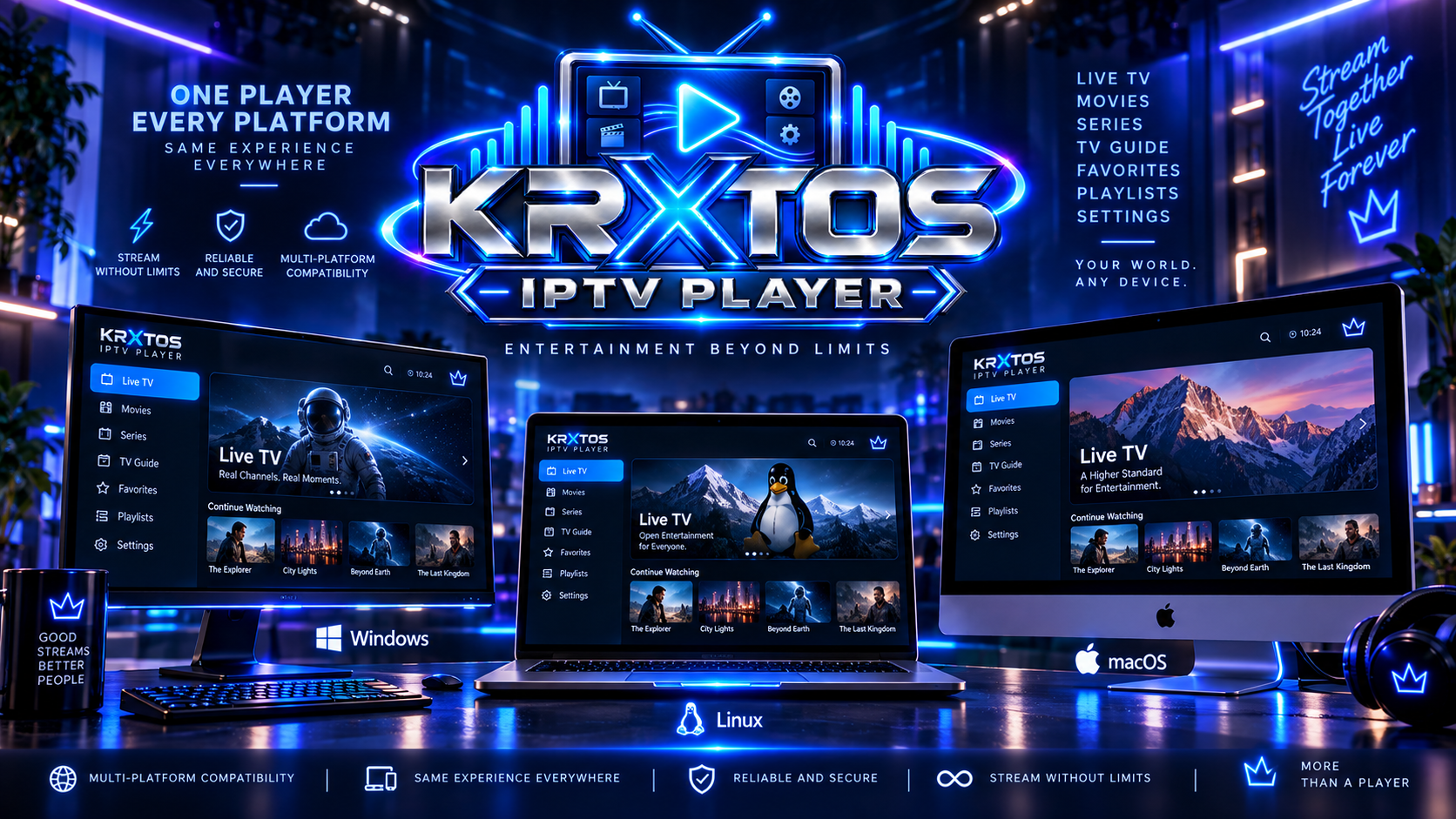
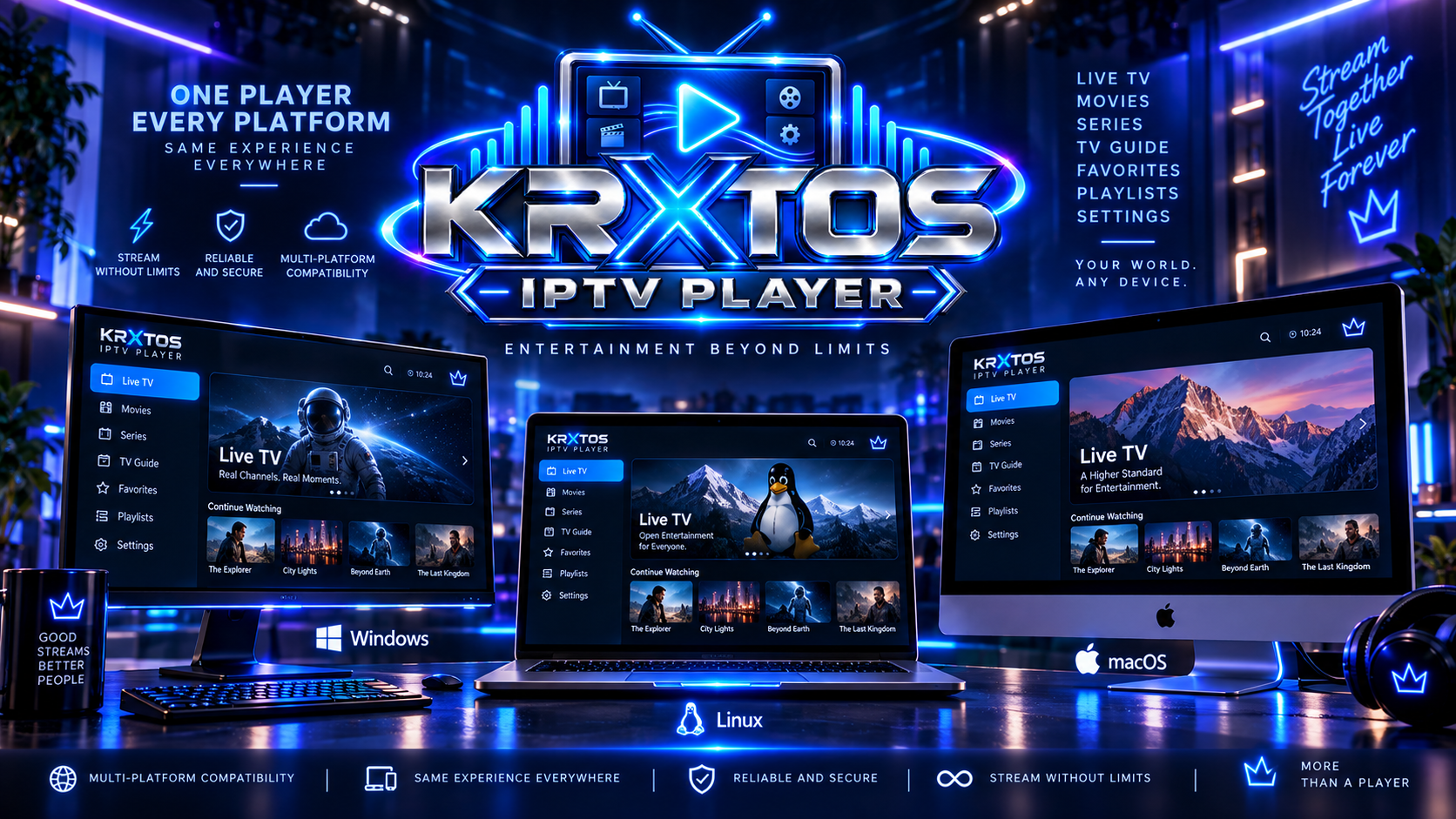
Version 1.52 — test previews served directly by KRXTOS.
Fire TV Stick, Stick 4K, 4K Max, Cube (Fire OS 6, 7, 8) — ARM build; test signature
DOWNLOAD SHA-256 checksumAndroid 7+ phones, tablets, Android TV and Google TV (universal) — test signature
DOWNLOAD SHA-256 checksumSmaller APK for devices that support arm64-v8a apps — test signature
DOWNLOAD SHA-256 checksum64-bit MSI — updates the installed app in place, lists and settings kept
DOWNLOAD SHA-256 checksum64-bit Debian / Ubuntu package — updates in place
DOWNLOAD SHA-256 checksumFire TV Stick 4K Select and other Vega OS devices (armv7 VPKG) — no recording on Vega
DOWNLOAD SHA-256 checksumLG webOS package for developer-mode installation
DOWNLOAD SHA-256 checksumUnsigned developer package. Requires signing before installation.
DOWNLOAD SHA-256 checksumRoku developer-mode package
DOWNLOAD SHA-256 checksumVega OS package for ARM64 devices
DOWNLOAD SHA-256 checksumVega OS package for x86-64 devices
DOWNLOAD SHA-256 checksumKRXTOS IPTV Player Pro 1.52 test release. Playback: a live channel that keeps stalling now gets a deeper buffer automatically, subtitles stay off at start, and the player name (User-Agent) can be chosen in Settings, Playback. The info panel shows the real network speed next to the stream bitrate. Films and series restart at the top of the page, holding Up or Down for 5 seconds jumps to the top or bottom, titles can be removed from Continue watching or the list hidden, the player bar has Guide, Live and Settings buttons, and on Windows and Linux one click opens a channel full screen. In 1.46: Settings, System: a Send the journal button sends the playback journal (no address or password) to KRXTOS to help diagnose a playback problem. Playback is the same as in 1.42. In 1.45: Settings, System now has a playback journal (what the player did on the last streams, without any address or password) to help diagnose a playback problem. Playback is the same as in 1.42. In 1.42: Live TV on Fire TV, Android TV and Google TV plays through the 1.28 playback path again: version 1.41 could freeze a live picture after two seconds while the sound continued, then reopen the channel several times. Films keep the 1.41 changes. In 1.41: Films and live TV on Fire TV, Android TV and Google TV draw the picture directly on the video surface again for smoother playback. The player keeps a much smaller buffer in memory, and films are stored on the device while they download, so resuming or seeking back does not download again. The live preloading option is removed: live channels use the Buffer setting. A frozen picture is recovered with a new decoder, another surface, then a software decoder, and a film still filling its buffer on a slow connection is no longer reopened. The info panel shows the decoder, dropped frames, buffer and memory. In 1.40: When a live picture freezes on Fire TV or Android TV, the player switches the video surface while keeping the current connection. A compatible software decoder can take over if video frames still stop. Turning off live preloading starts playback with a smaller buffer, and ordinary buffering uses the loading status. A smaller ARM64 APK is available for compatible Android and Google TV devices. In 1.37: Fire OS and Android now recover when a live channel plays without a picture, try the alternate stream format earlier on startup failure, and support more MPEG-TS channel feeds. In 1.36: live channel preloading is off by default, including on Fire TV devices running Fire OS. Also in 1.35: on Windows the window now behaves like a normal one: resize from any edge or corner, drag it to a screen edge to snap it, and rest the pointer on the maximize button to pick a snap layout. Also in 1.34: channels in your favorites get their guide first. Also in 1.33: a fix for a guide that stayed on loading. Also in 1.32: the groups column is open by default and can no longer get stuck folded. Also in 1.31: A pin keeps the groups column open, and channels are now matched to the guide even when their names carry country or quality tags. Also in 1.30: Navigation pop sound, longer full-screen start-up splash that waits for the lists, full exit when quitting, other background apps closed at start to free memory (optional), a Help tab, no looping at the ends of lists, the cursor goes to the last channel, movie or series watched, a guide fix for small devices, and the Roku app in French and English. Also in 1.28: New Guide (EPG) settings tab (days kept, source, size, refresh or download), a Back button on series pages and a full French and English wording check. Also in 1.27: The playback speed (1.0x to 1.6x) is re-applied if the player resets it, and the speed button shows the real speed. Also in 1.26: films start faster (lower start threshold, the buffer keeps growing) and the info panel shows the start time. Also in 1.25: fixes the update prompt that came back after installing 1.24, adds a YouTube-style grey buffer bar on films and series (no Loading message while picture is buffered ahead, buffer kept after a pause), and 1.0x-1.6x playback speed. Also in 1.24: programme and series reminders, configurable advance alerts and automatic channel switching while KRXTOS is open. New settings tabs, combined playlists, optional channel numbers, independent seek steps and encrypted SMB backups on supported platforms. Android and Fire TV APKs use a test signature. NOT yet validated on physical devices. Roku and Vega OS use separate interfaces.